One seat for every 3D file you own.
Meshes, point clouds, Gaussian splats and photogrammetry in one Windows application — with real-time ray tracing, native stereo output, and multi-gigabyte scans that simply open.
Free Viewer forever · 14-day Studio trial, no card · Windows 10 (64-bit) or Windows 11
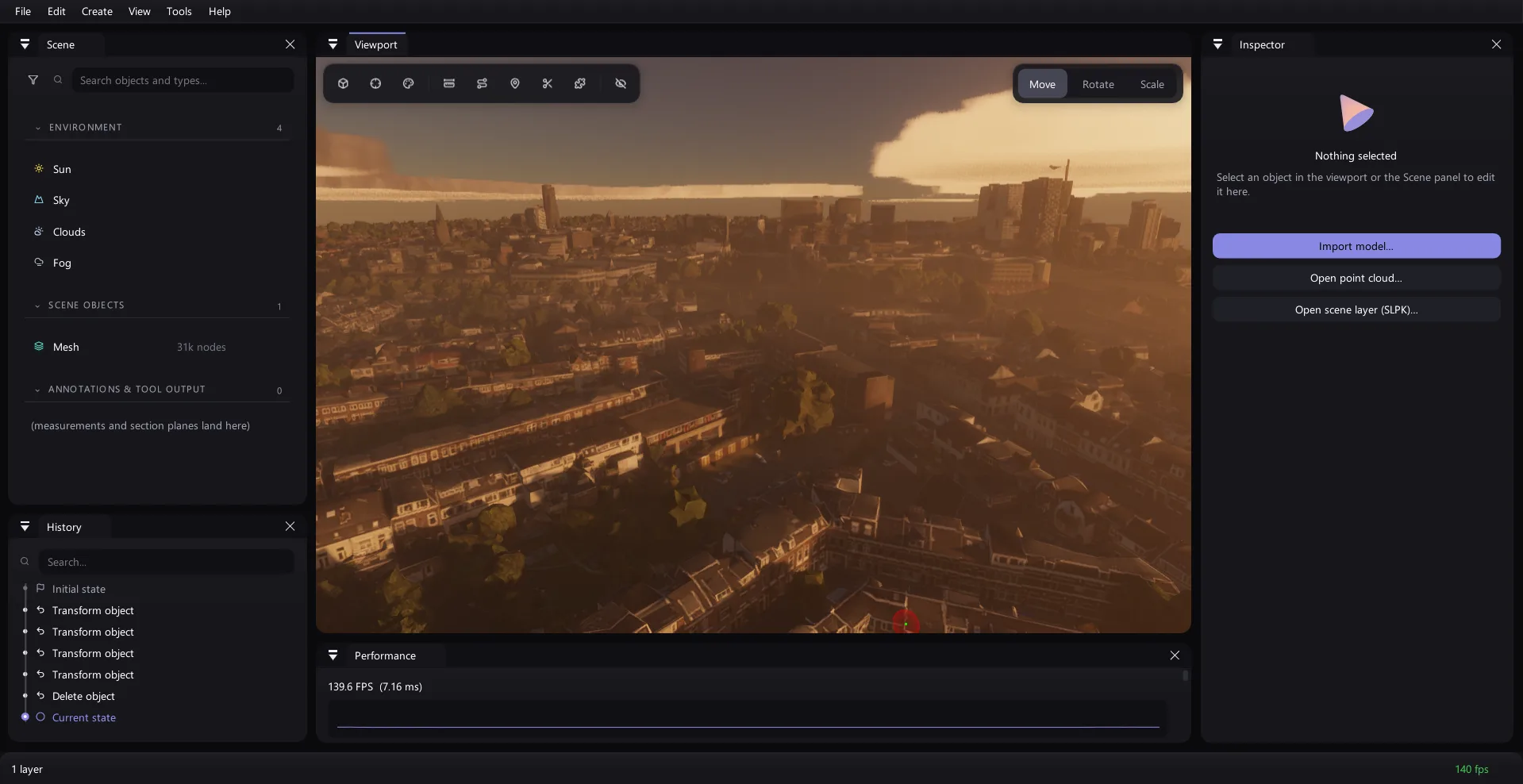
One seat instead of four.
Most teams doing this work run a point-cloud tool, a photogrammetry tool, a rendering tool and a splatting tool — four licences, four file exports, four things to learn. OmniBlick is all four, in one window, on one copy of your data.
OmniBlick Studio — $1,990 / year
Roughly a fifth of what those four cost together, while adding two things none of them offers at any price: multi-gigabyte virtualized geometry, and native stereo output built into the renderer rather than bolted onto it.
Four kinds of 3D data. One scene.
A mesh, a point cloud, a splat cloud and a solved photo capture are four genuinely different things, and most software picks one. Here they sit in the same scene, on the same grid, lit by the same sun — and you can measure between them.
Meshes
From a single OBJ to an 82-million-triangle city scan. PBR materials, real lighting, and a virtualized geometry pipeline for the ones that used to be impossible.
Point clouds
LAS, LAZ, E57, PTX, PCD and more, rasterized by a compute shader with continuous density LOD — so the frame cost is a budget, not a function of how much you loaded.
Gaussian splats
A first-class domain, not a plugin: its own render pass, its own VRAM budget, and stereo that sorts from the cyclops eye so both eyes agree about depth.
Photogrammetry
Drop in a folder of photographs. Watch the solved cameras appear in the viewport, then watch a splat cloud converge — in-process, no Python, no CUDA.
27 formats. Most of them both ways.
Switching software normally means a migration project: re-export everything, discover what did not survive, keep the old licence one more year just in case. There is nothing to migrate here — OmniBlick reads what you already have, and writes it back out again.
Meshes
- OBJ
- FBX
- glTF
- GLB
- PLY
- STL
- 3MF
- OBMESH
Point clouds
- LAS
- LAZ
- E57
- PTX
- PCD
- PLY
- XYZ / TXT / PTS / ASC
- HDF5
- PCB
Gaussian splats
- PLY (3DGS)
- PLY (compressed)
- SPZ
- SPLAT
Photogrammetry
- COLMAP (binary)
- COLMAP (text)
- transforms.json
- EXIF from photos
Scene layers & GIS
- SLPK
- I3S
Tutorials that point at the real thing.
Learning a 3D application usually means watching somebody else's screen. Here the tutorial runs inside yours: it spotlights the actual panel, the scrim is click-through so every control stays live, and a step that asks you to do something notices when you have done it and moves on by itself.
- It follows your layout. The highlight reads the real panel rectangle each frame, so a window you dragged somewhere else is still the window it points at.
- One tutorial per feature, not one long tour — so it is there the day you finally need section planes, not only on the first launch.
- A first run that takes a minute. The walkthrough asks two questions, shows you six places, and gets out of the way. It is replayable from the Help menu whenever you want it back.
public/media/tutorial.mp4Screen recording: a tutorial card travelling between panels, spotlight following. See ASSETS.md → tutorial.
Things it does that the others do not.
Every one of these is measured, not estimated. The numbers below come from the engineering work itself, on real assets.
A 9 GB scan that opens, and then runs.
An 82-million-triangle photogrammetry mesh is not a file most 3D software declines politely — it is a file that takes the application down with it. OmniBlick cooks it once into a cluster-LOD graph and then draws whatever the camera actually deserves, from one pool, chosen by a compute shader.
- The parser's working set is a budget, not the file. That 9,180 MB OBJ reads in about 1 GB of private memory.
- Streamed, not loaded. Pages arrive on demand and the coldest are evicted, so VRAM is a number you set rather than a number the file sets.
- No exotic hardware. It needs indirect multi-draw, which is a core Vulkan feature — not mesh shaders, not a vendor extension, not a specific vendor.
From a folder of photographs to a splat cloud.
Drop in the photos. The camera poses appear in the viewport as frusta you can click to fly into. Click again and a Gaussian splat cloud converges in front of you, in stereo, while it trains — all of it in-process, on your own GPU.
- Nothing to install. The pose solver is fetched on one button press from its own official release and driven as a child process. No Python environment, no CUDA toolkit, no build step.
- Training runs on the GPU as seven compute kernels on plain Vulkan 1.3 — portable by construction, with a CPU reference path that CI checks the gradients against on every push.
- Nothing is uploaded. There is no cloud step to opt out of, because there is no cloud step.
Built for 3D displays, not adapted to them.
Stereo here is not a post-process or a second render pass. Both eyes are drawn in one multiview pass, so a stereo frame costs an extra layer of fill rather than twice the work — and every effect in the pipeline, including the volumetrics and the temporal resolve, is stereo-correct because it never stopped being multiview.
- Quad-buffer 3D displays, side-by-side output, and any OpenXR headset — from the same path, switchable while the scene is open.
- The hard cases are handled properly. Splats sort once from the cyclops eye and the geometry LOD is chosen from it too, so the two eyes cannot disagree about what they are looking at.
- 3Dconnexion SpaceMouse support, with the button bindings generated from the app's own command registry.
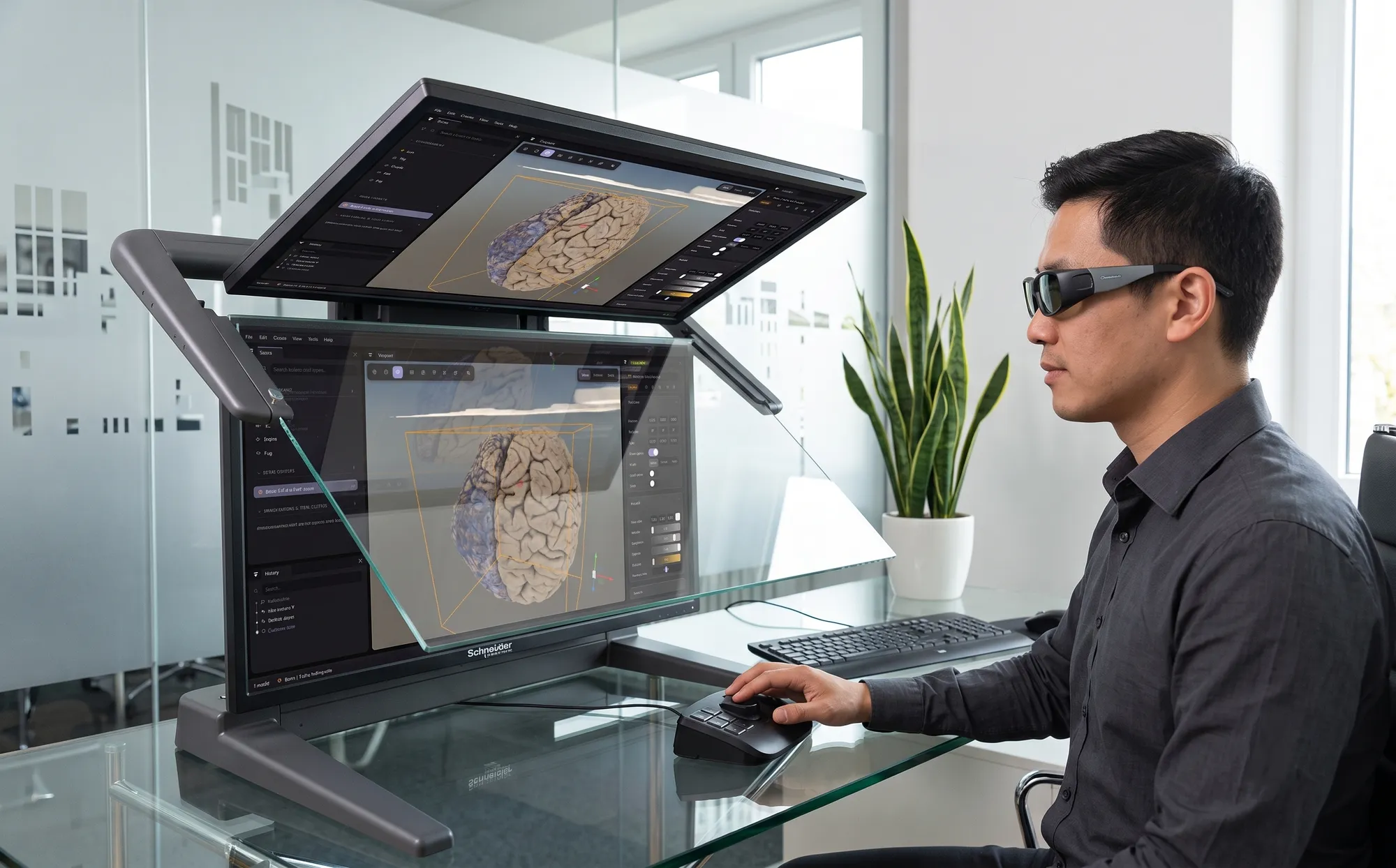
Ray-traced when it helps. Real-time always.
One quality ladder from Low to Ultra: a tier picks a coherent set of features, you can nudge any row, and every optional pass only allocates while something needs it. Turn it all off and the frame is byte-for-byte the shadow-mapping floor — the fallback that works on any Vulkan GPU.
- Ray-traced shadows, ambient occlusion, reflections and cascaded global illumination on hardware that has it.
- A physical sky. Atmosphere, volumetric clouds and froxel fog — with god rays falling out of the fog rather than faked on top of it.
- Image-based lighting, GTAO, TAA and bloom, all multiview, so none of it costs a second pass in stereo.
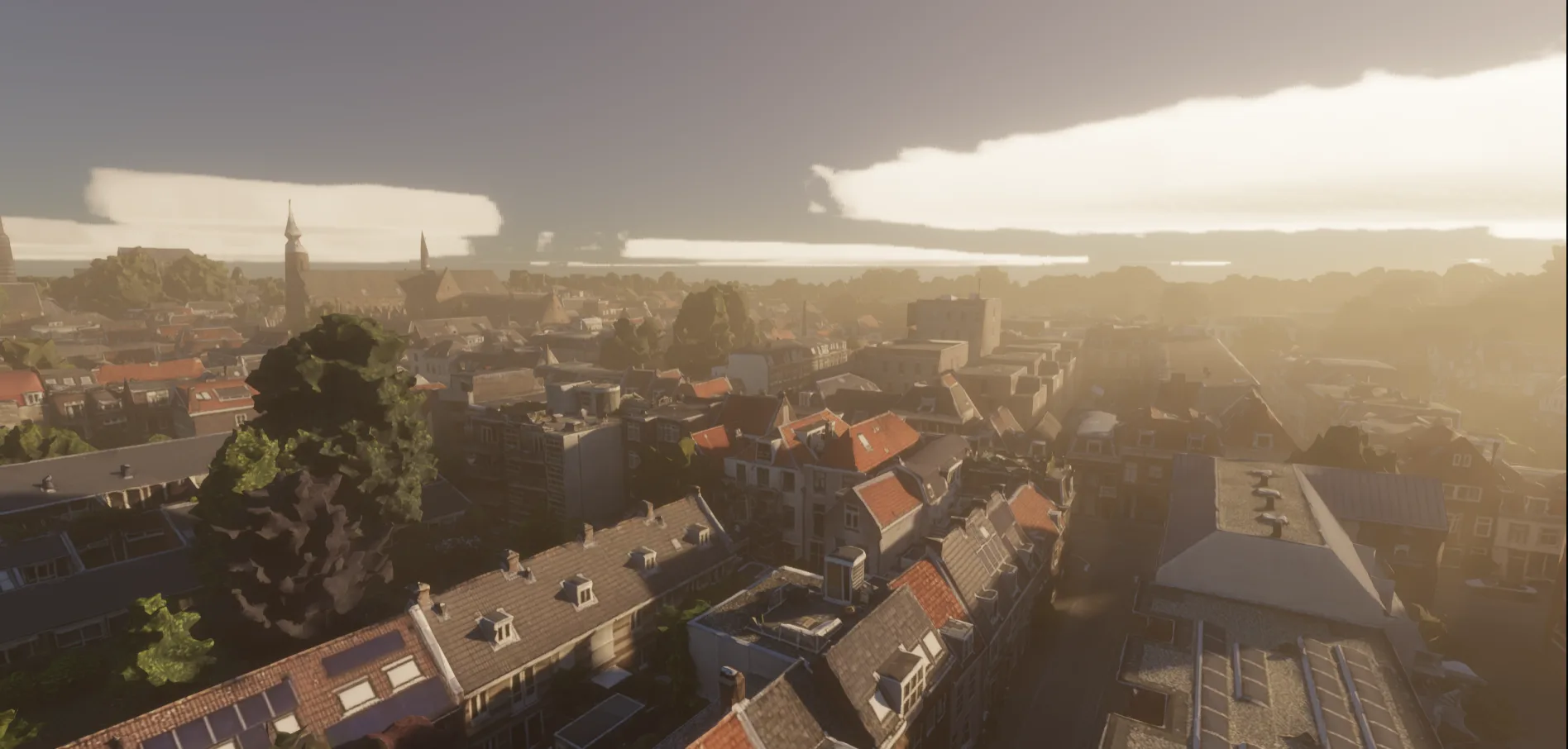
Sold and supported with Schneider Digital.
Schneider Digital has spent years putting professional stereoscopic displays, VR workstations and visualization hardware into architecture studios, survey firms, museums, showrooms and control rooms across the German-speaking market. OmniBlick is the software side of that same bench — which means the people selling it to you have the display it was built for sitting on their desk.
- Buy it as a working system. Software, stereo display and workstation specified together, from one conversation.
- German-language sales and support across Germany, Austria and the wider EU.
- On-site installation, walkthroughs and training where a team wants to be up and running the same week.

public/media/partner-showroom.jpgPhoto of a real installation — display, workstation, someone using it. See ASSETS.md → partner-showroom.
One public price list. The same for everybody.
No opaque enterprise tier, no “contact us for a number”. What a solo professional pays and what a fifty-seat firm pays per seat is the same figure — larger accounts get a volume ladder, not a different sticker.
The ones worth asking first.
Is the free Viewer a trial?
What happens if my machine is offline?
Do you fingerprint my hardware?
Can I move a licence to a new machine?
What do I need to run it?
Is my data sent anywhere?
Open your worst file.
The one that takes four minutes to load somewhere else, or does not load at all. The Viewer is free and permanent — you do not need a licence to find out whether this works.
Free Viewer, permanently · 14-day Studio trial, no card · Windows 10/11